
ONLINE COURSE
Introduction to SketchUp Pro (ONLINE)
About this course:
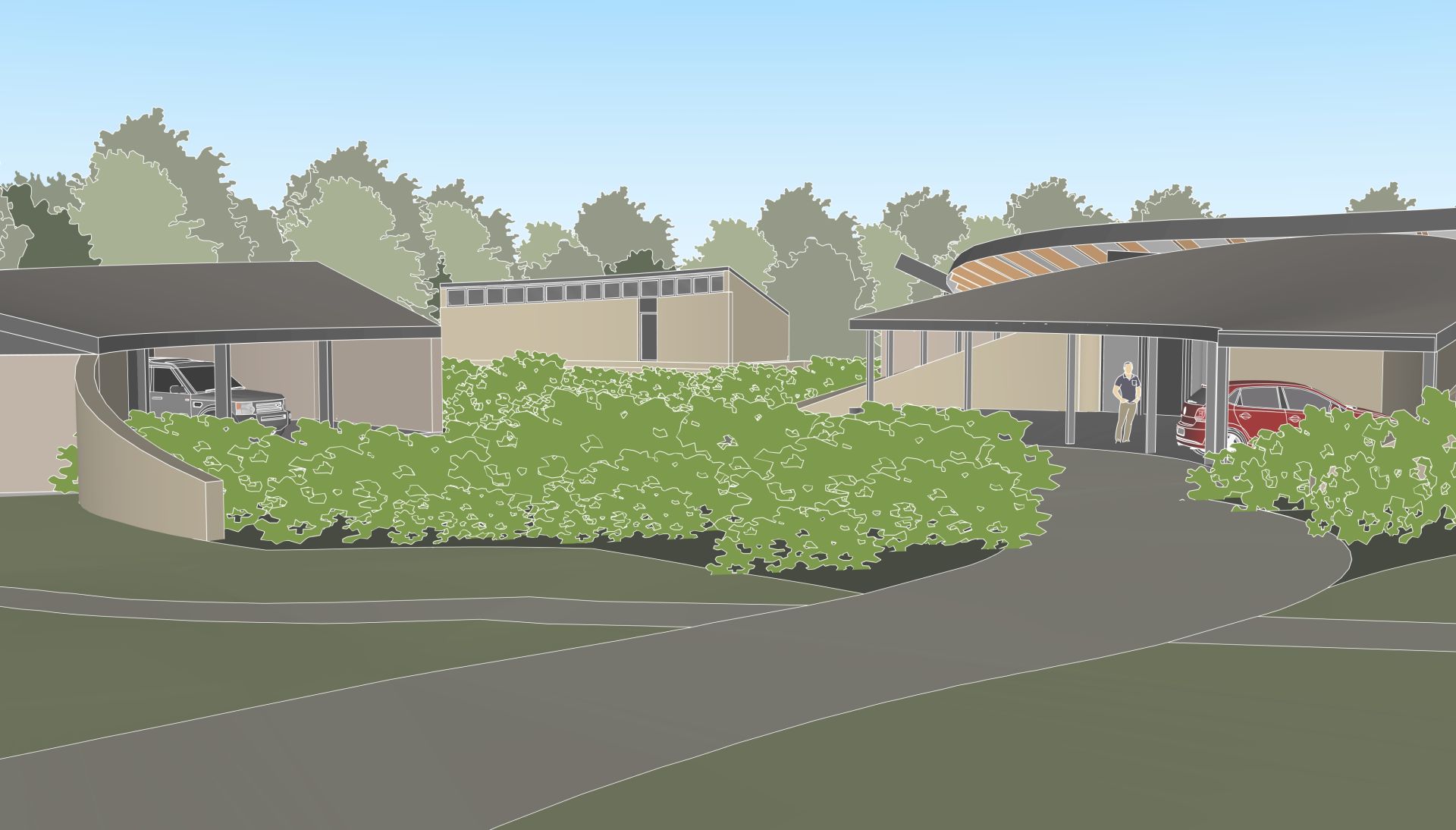
SketchUp is a flexible, easy-to-use yet powerful 3D modelling tool. It's easy to use and create 3D models from imported plan drawings, yet gives a huge amount of customisability in terms of how you can present drawings, as well as integrates which most of the best rendering tools for those wanting to take their visualisation even further.
Many people learn SketchUp through YouTube videos and trial and error and while this can get you started, it can often lead to frustration, bad habits, inefficient workflows and models that become difficult to manage as projects grow.
By the end of the course, you'll be able to model key design elements like decking, paving, pergolas etc., apply materials, add plants and furniture and produce presentation-ready images that help clients understand and engage with your ideas.
Many people learn SketchUp through YouTube videos and trial and error and while this can get you started, it can often lead to frustration, bad habits, inefficient workflows and models that become difficult to manage as projects grow.
This course provides a structured introduction to SketchUp, built around the workflows used by landscape architects and garden designers. You'll learn not only which tools to use, but when to use them, how to organise your models correctly and how to work efficiently from day one.
By the end of the course, you'll be able to model key design elements like decking, paving, pergolas etc., apply materials, add plants and furniture and produce presentation-ready images that help clients understand and engage with your ideas.
When you sign up you'll be sent invitations to the Zoom sessions as well on-boarding materials including a full set of notes for the course.
Course Objectives:
Created with